Prompt
4 minute readFive-Panel Fashion Lookbook Prompt
Show one outfit in several settings alongside an isolated garment view.
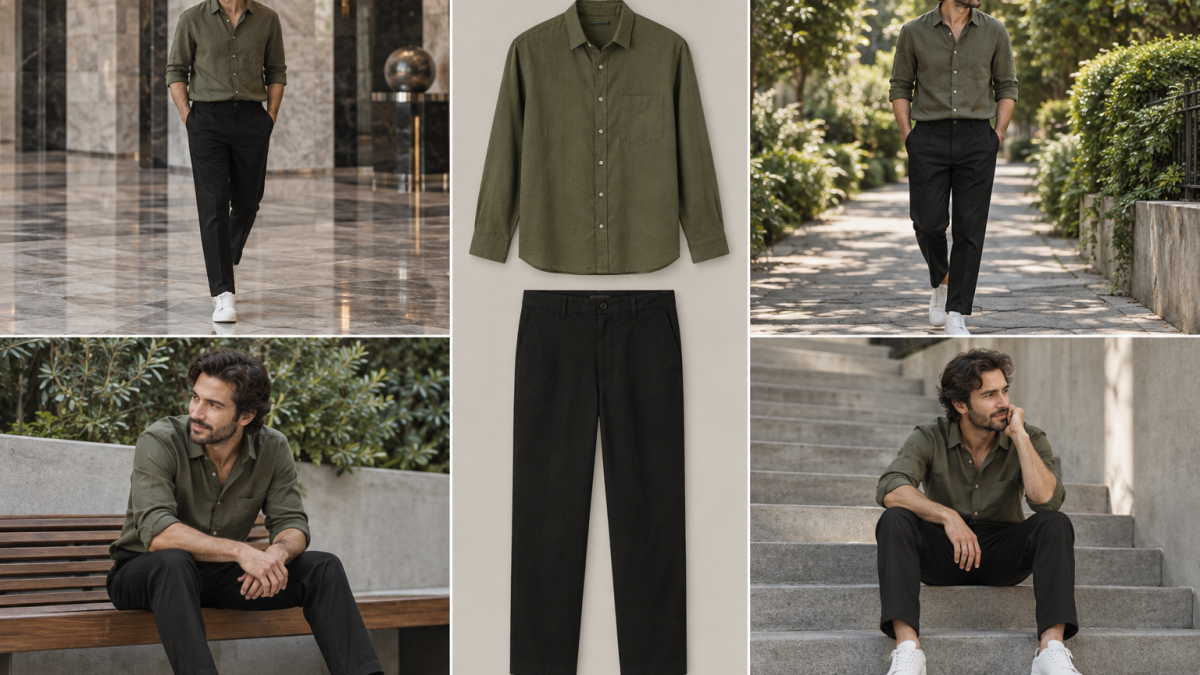
Show one outfit in several settings alongside an isolated garment view. This five-panel fashion lookbook prompt includes a reusable template, the variables to fill in, an example image and the checks to run before you use the result.
Purpose and composition
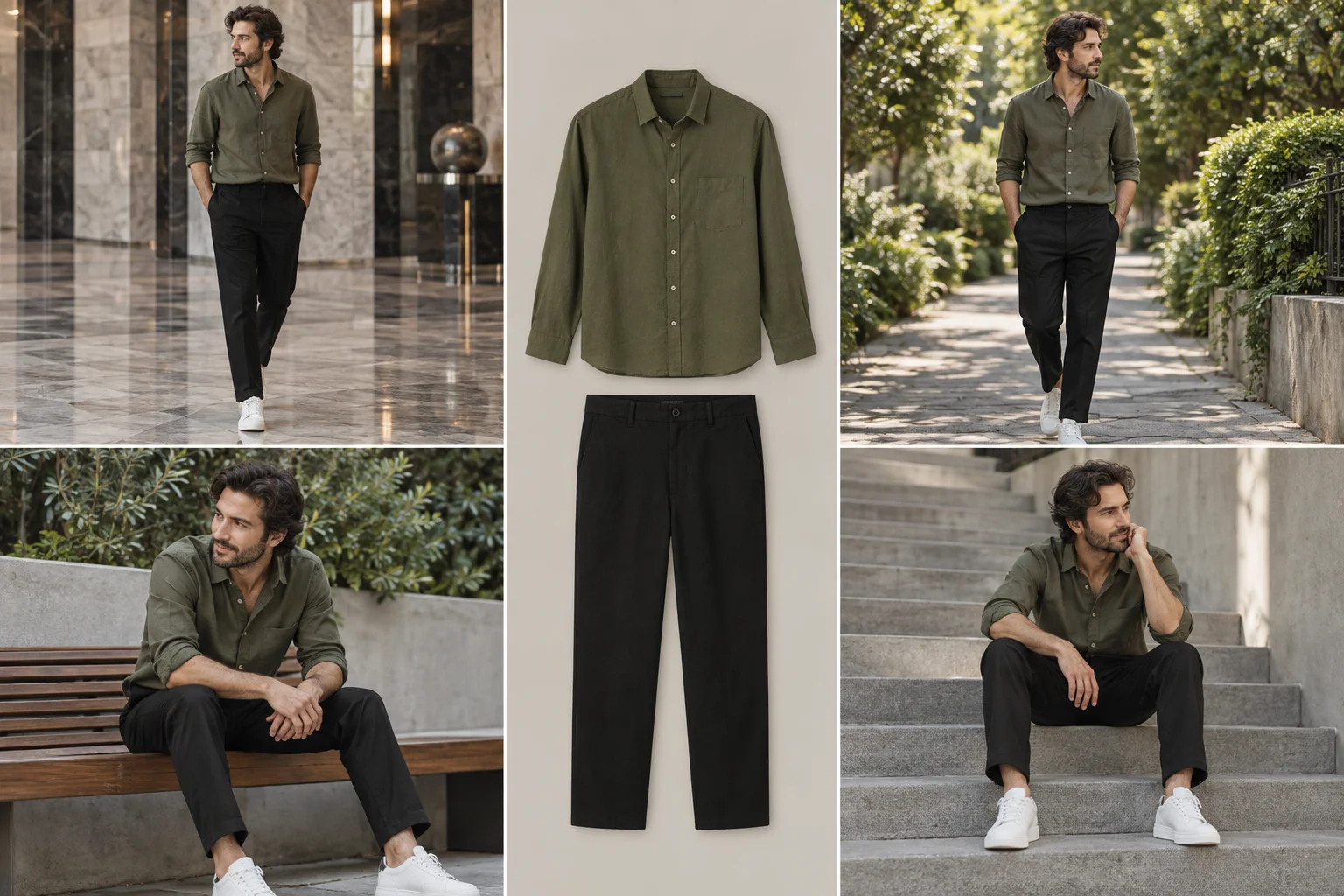
The central product panel identifies the outfit; the surrounding scenes provide styling context. Consistent collars, pockets and hems matter more than elaborate scenery.
Inputs and variables
Replace every bracketed variable before running the template. For a real product, attach a clear reference in an image-capable tool and check the result against that reference. For a fictional concept, describe the object explicitly and remove instructions that refer to an unavailable reference image. Keep one visual decision per revision so you can identify what improved the result.
| Variable | What to supply |
| OUTFIT | Your actual product reference or a concrete fictional product description. |
Reusable prompt — version 1.0
Copy the template below and replace every bracketed variable before you run it.
Build a five-section lookbook for [OUTFIT]. Put an isolated olive shirt and black trousers in the center. Surround them with four views of the same adult male model wearing the identical outfit: lobby, leafy path, seated bench and urban steps. Preserve garment cut, seams, color and face identity. Consistent natural light, thin gutters, landscape 3:2. No captions or logos.How to use it
Work through these steps in order, and change one thing at a time between generations.
- Supply outfit and model references
- Change setting and pose only
- Keep the center panel uncluttered
- Compare garment details across panels
Expected output
A landscape product campaign image with a 3:2 aspect ratio. The example supplied here is 1536 × 1024 pixels. Treat the composition as a starting point and verify that the selected tool actually returns the dimensions and framing you need. The central product panel identifies the outfit; the surrounding scenes provide styling context.
Example generation and testing status
The accompanying example was generated with the built-in image generation tool using the exact example prompt below. The reusable template is an adaptation, not the identical generation request. This is one illustrative output, not a benchmark or evidence of repeatability across models. The model listed on the source page describes the source example; it does not establish compatibility or results for this template.
Landscape 3:2 five-section fashion lookbook collage. Central narrow panel displays cutout olive button-up shirt and black straight trousers, around it exactly four lifestyle panels showing the same adult man with wavy dark hair wearing those same clothes and white sneakers: marble lobby, leafy walkway, seated bench, concrete stairs. Cohesive muted olive neutrals, realistic editorial photography, clean thin gutters, no arrows text logos or watermark.Review checklist
Check the result at full size before you use it in a campaign or on a product page.
- Compare silhouette, proportions, materials and any label against the input reference.
- Inspect the specific failure points described below at full size.
- Review a small preview: the product should remain recognizable.
- Check the crop and free space required by the intended page layout.
- Add only verified claims and accurate editable typography after the image is approved.
Troubleshooting
Generate panels separately from one reference if identity drifts. Use neutral daylight to reduce color shifts.
Limitations
Image generation may change geometry, lettering, anatomy or fine detail even when the prompt requests preservation. A realistic-looking sample is not proof of an actual product specification or benefit. The included image is an original AI-generated teaching example, not a verified photograph of a branded product. Output can vary with the model, reference and settings.
Source and version history
The source was selected from the Popular tab of MeiGen’s Ads & Product category on September 15, 2026. A definitive top-20 numerical ranking was not verified. This page provides an independently written educational adaptation with attribution.
Source idea: @harboriis on MeiGen. Source model label: Nanobanana Pro.
Version 1.0 — September 15, 2026: prepared as an English prompt-library guide for SEOVision and published in the SEOVision prompt library.
Version 1.0.1 — October 7, 2026: corrected this publication note. The prompt, example image and instructions are unchanged.
Version 1.1 — November 15, 2026: added frequently asked questions and links to related prompts, and moved the example image's provenance out of its caption into the testing section. The prompt, example image and instructions are unchanged.
Frequently asked questions
Quick answers to the questions readers ask most about this topic.
Which image generators can I use with the Five-Panel Fashion Lookbook prompt?
Any image model that follows detailed text instructions works as a starting point, ideally one that also accepts a product reference image. The source listing names Nanobanana Pro. SEOVision has not tested this template across tools, so results vary by model, version and settings.
Can I use this prompt for my own branded product?
Yes, as a starting point. Supply a clear reference image of your product, compare the shape, colors and label with it, and add real text and logos in an editor afterwards, because image models often distort lettering.
Why does my result look different from the example image?
The example came from a separate, more specific generation prompt run once in one tool, as the testing section explains. Your model, reference image and settings change the output, so adjust one variable at a time and compare.
Sources
These references support the platform guidance discussed above. Worked examples are illustrative unless identified as measured results.
Keep reading
Read next
Prompt 4 min read
Jumping Sneaker Advertising Prompt
Show sneaker soles and uppers in an energetic low-angle campaign composition.
Prompt 4 min read
Lavender Smartphone Campaign Prompt
Create a coordinated single-color campaign while keeping the device distinct from its surroundings.
Prompt 4 min read
Trousers With Detail Inset Prompt
Pair a full garment view with a close detail to explain shape and construction.